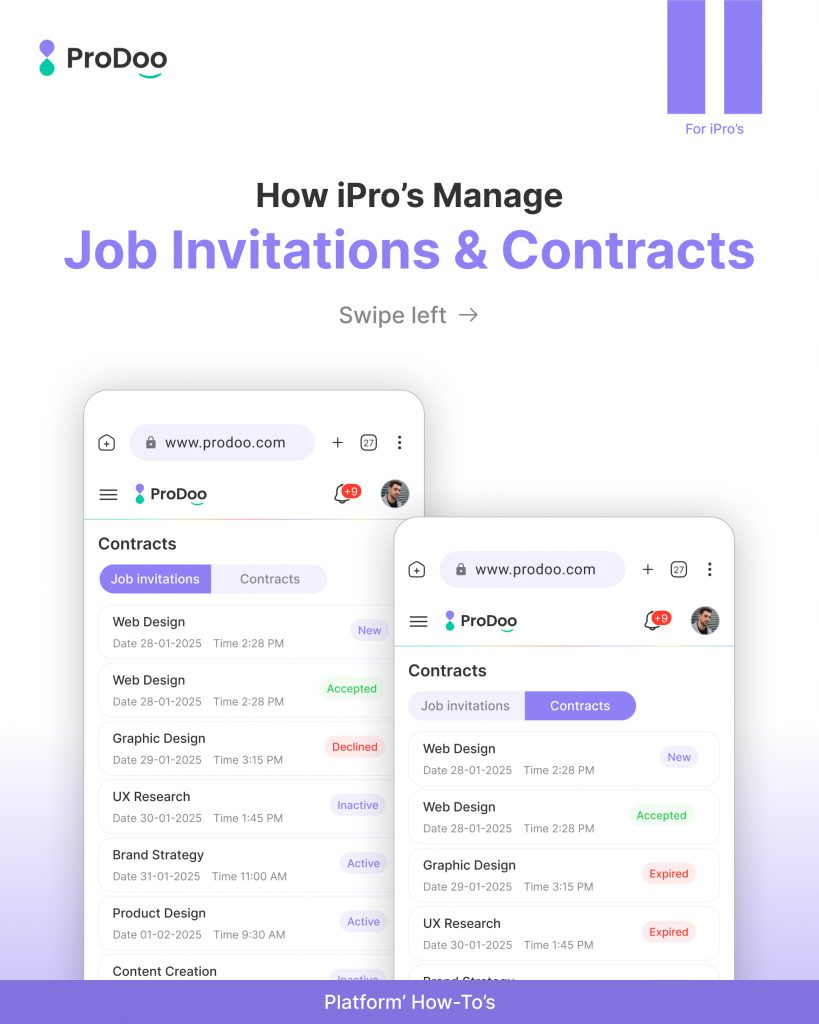
How iPros Manage Job Invitations & Contracts on Prodoo
Managing work as an independent professional shouldn’t feel messy or confusing.
With Prodoo, iPros get a clear, structured flow to handle job invitations, portfolios, and contracts, all in one place.
Let’s walk through how it works, step by step 👇
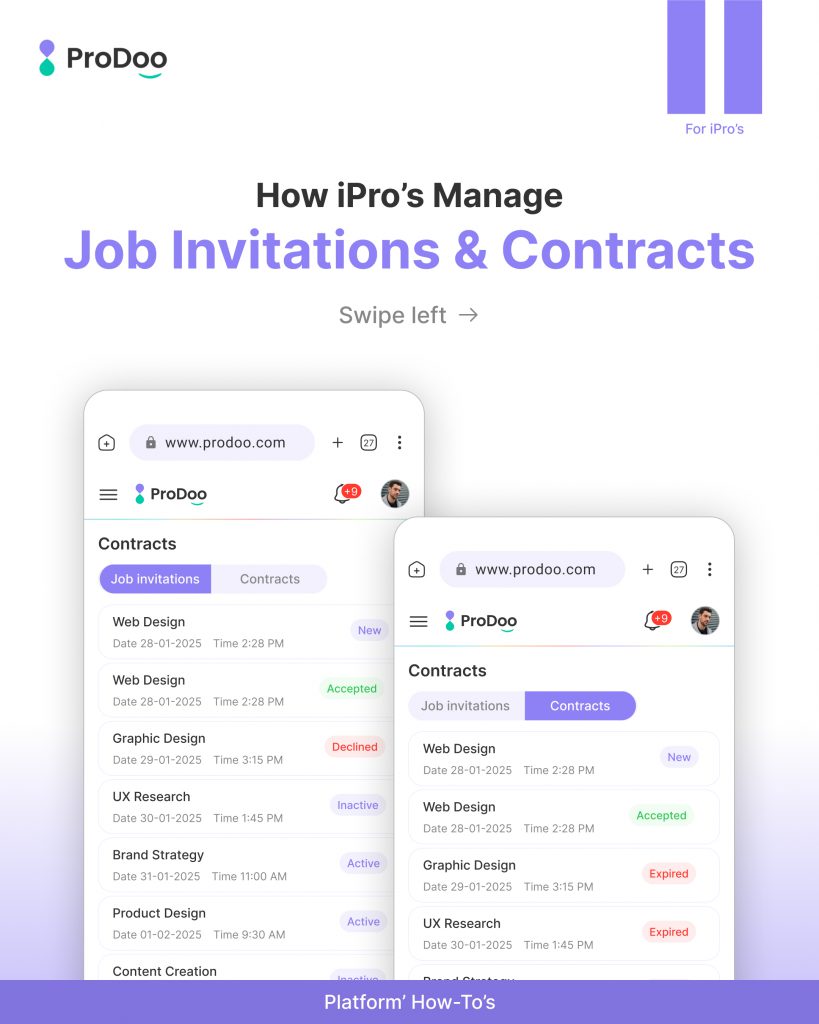
Understanding Job Invitations & Contracts
On Prodoo, your work journey starts with Job Invitations and moves toward Contracts.
- Job Invitations → Sent by recruiters to invite you for a role
- Contracts → Created after you accept an invitation
This structure ensures everything stays organized, transparent, and professional.
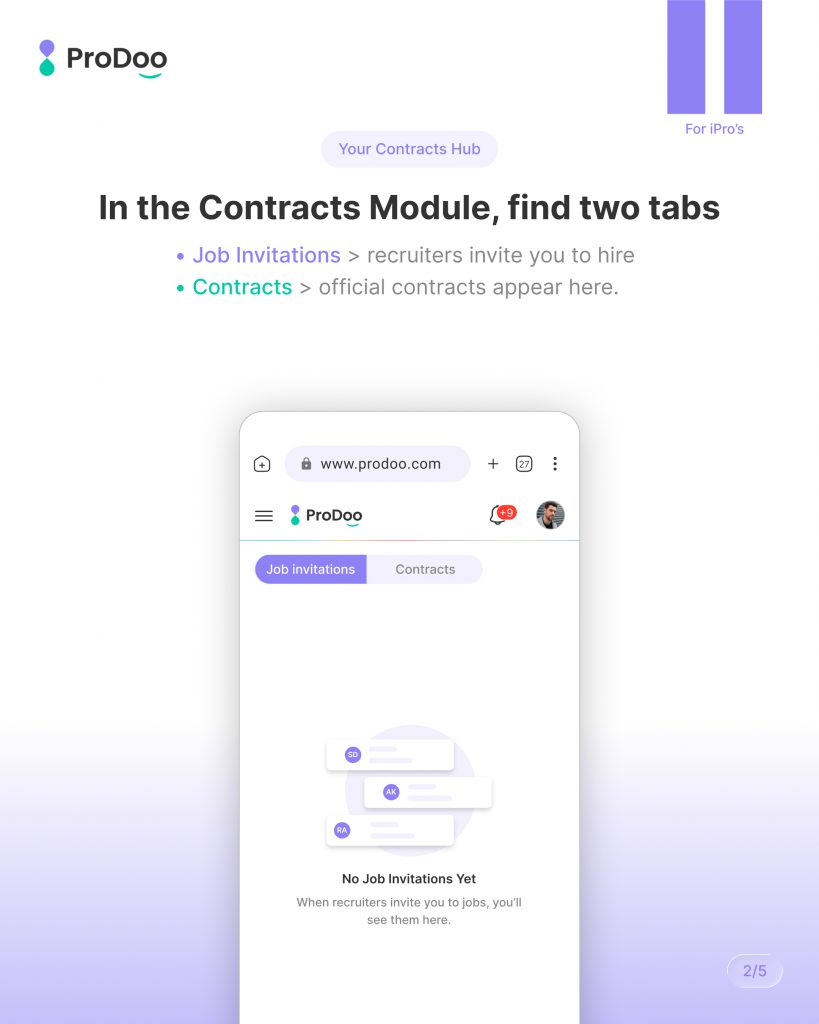
Navigate to the Contracts Module
Inside Prodoo, go to the Contracts Module, where you’ll find two main tabs:
- Job Invitations → Where all incoming opportunities appear
- Contracts → Where your active and completed work lives
This separation helps you clearly track:
- What’s pending
- What’s accepted
- What’s completed
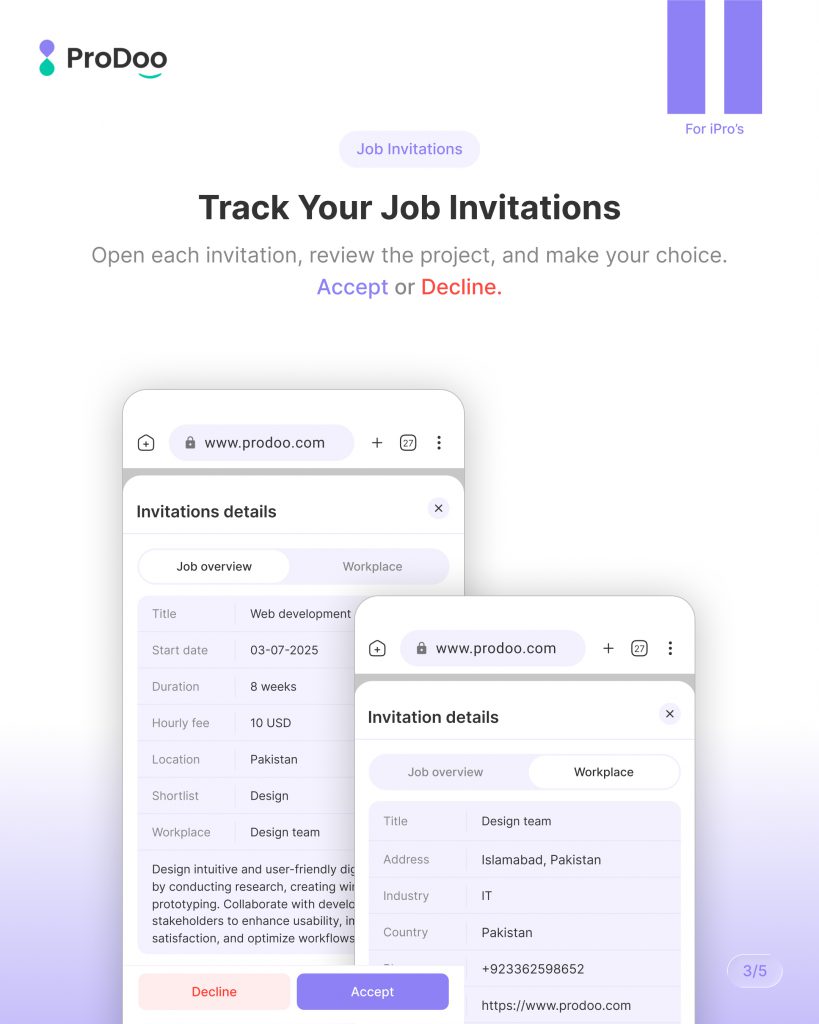
Track Your Job Invitations
In the Job Invitations tab, you can review each opportunity in detail.
For every invitation, you can:
- View project details
- Understand requirements
- Check timelines and expectations
Then you can make a decision:
- ✅ Accept the invitation
- ❌ Decline if it’s not the right fit
This gives you full control over your work choices.
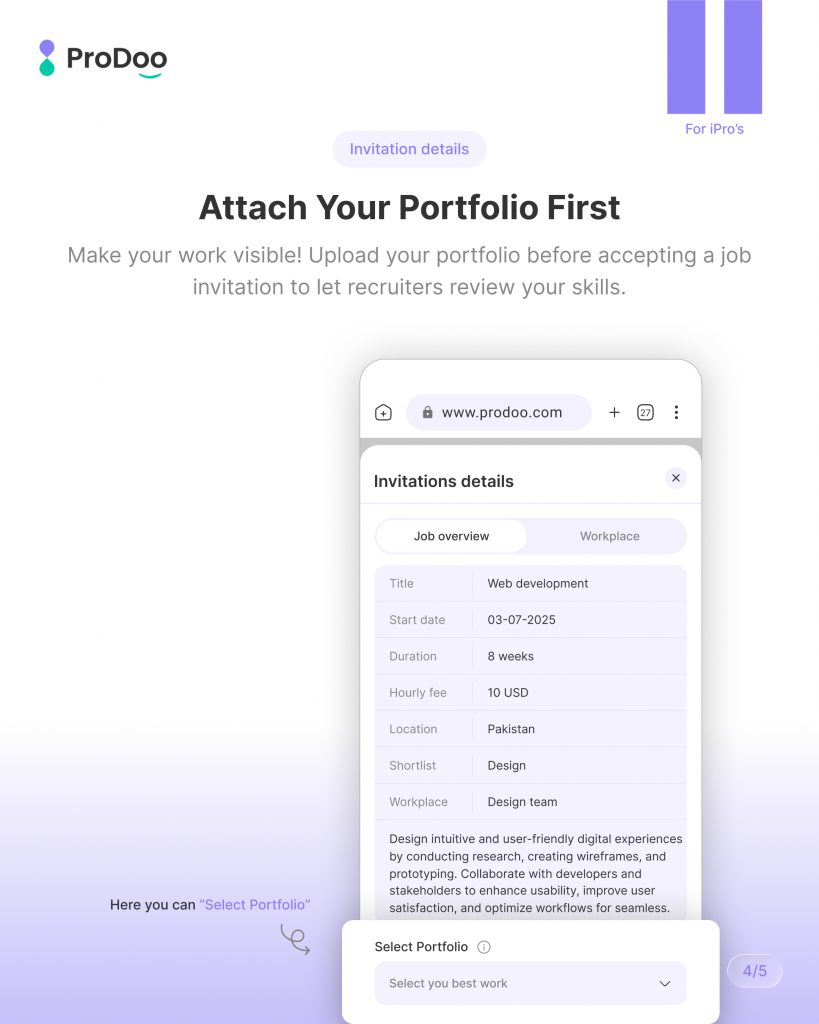
Attach Your Portfolio First
Before accepting a job, Prodoo allows you to attach your portfolio.
This step is important because:
- It showcases your skills
- Builds trust with recruiters
- Improves your chances of moving forward
Instead of blindly accepting, you’re presenting your professional value first.
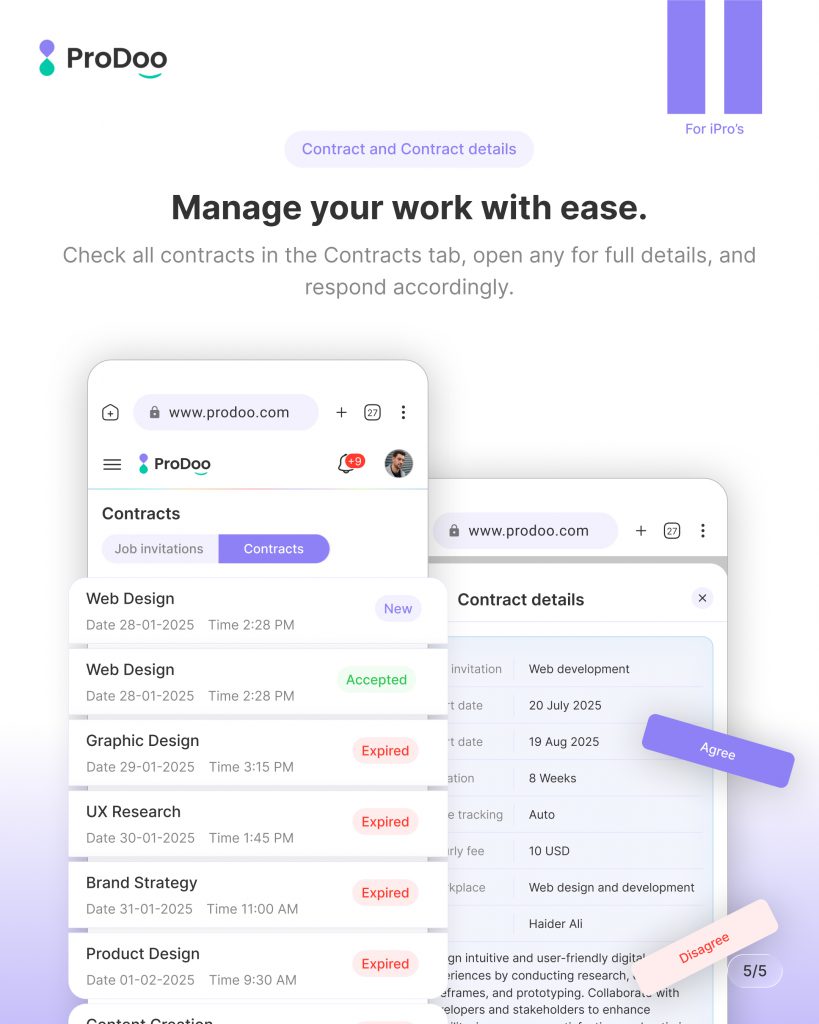
Manage Your Work with Ease
Once you accept an invitation, it turns into a contract.
Inside the Contracts tab, you can:
- View all active contracts
- Open detailed contract information
- Track progress and status
- Respond or take actions when needed
Everything stays in one place, no confusion, no scattered communication.
Why This Flow Matters
Prodoo’s system is designed to:
- Keep iPros organized
- Reduce decision-making friction
- Improve recruiter trust
- Create a professional workflow
Instead of juggling multiple tools, you manage everything in a single, clean workspace.