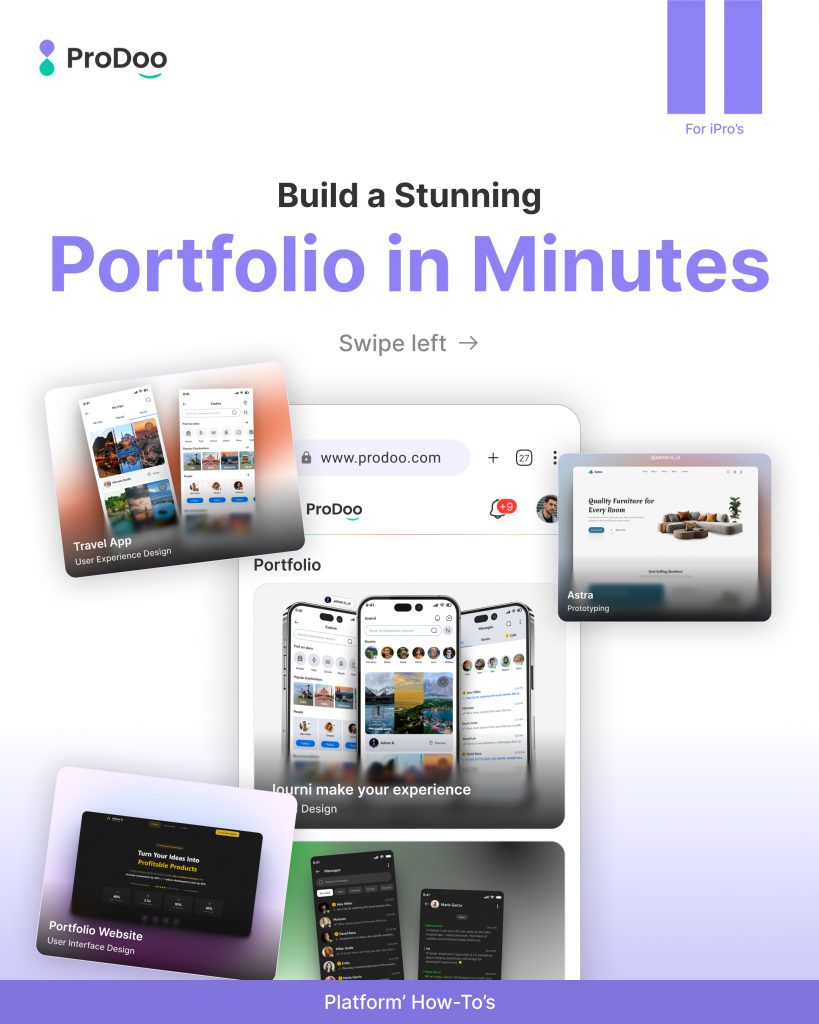
Build a Stunning Portfolio in Minutes on Prodoo
Creating a professional portfolio doesn’t have to be complicated. With Prodoo, you can build and showcase your work in just a few simple steps. Let’s walk through how you can do it.
Build Your Portfolio on Prodoo
Getting started is easy.
Prodoo allows you to create a clean, professional portfolio that helps you present your work in the best possible way.
Whether you’re a designer, developer, or freelancer, your portfolio becomes your first impression.
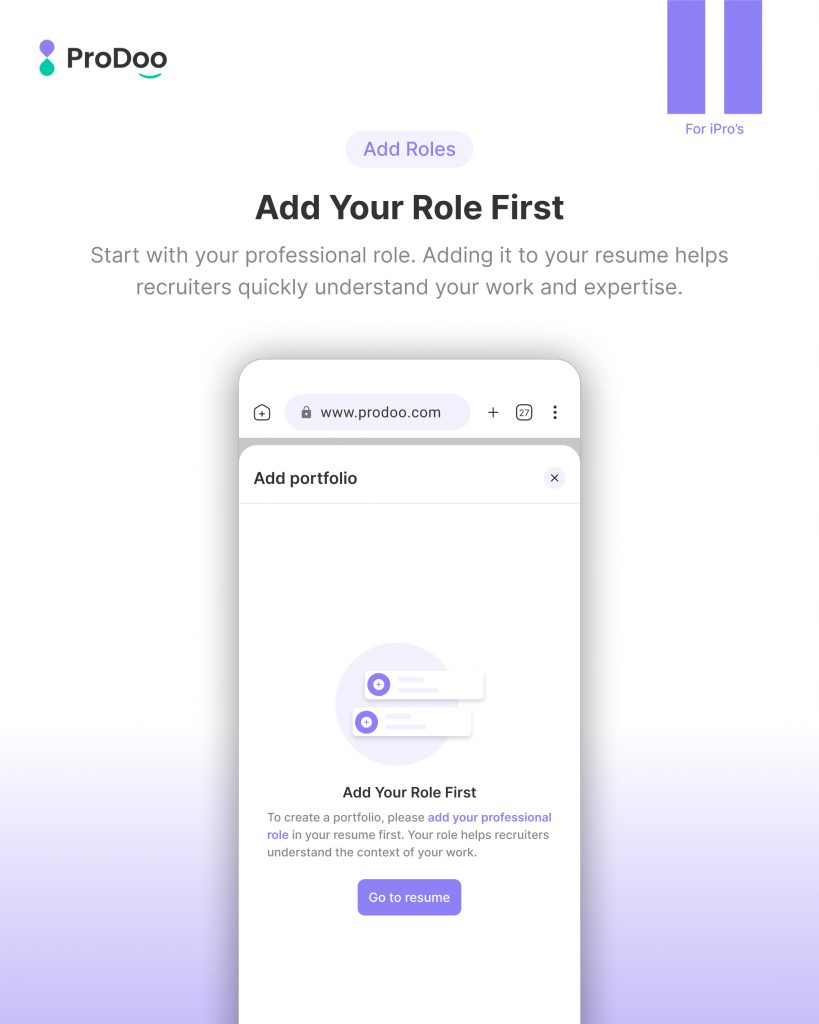
Add Your Role First
Before creating your portfolio, start by adding your professional role.
This helps recruiters understand:
- What you do
- Your area of expertise
- Your career focus
It also ensures your portfolio is aligned with the right opportunities.
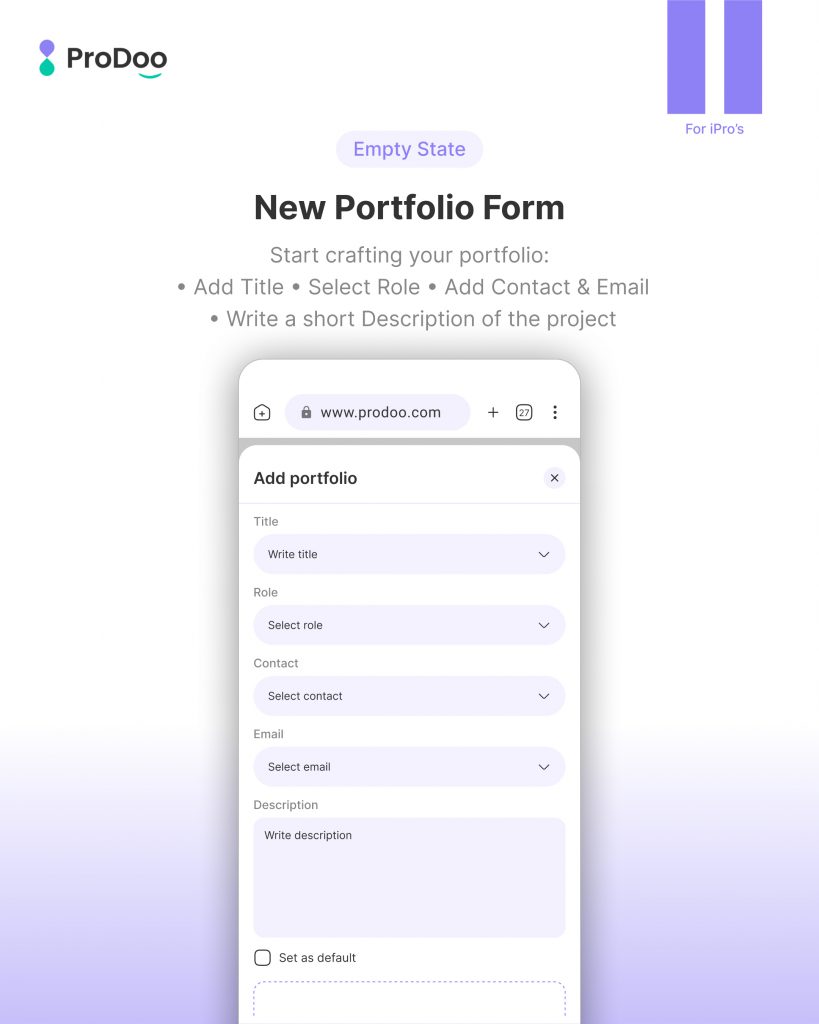
Fill the Portfolio Details
Now it’s time to create your portfolio.
Add important details like:
- Project Title
- Role
- Contact Information
- Project Description
Make sure your description clearly explains your work and highlights your contribution.
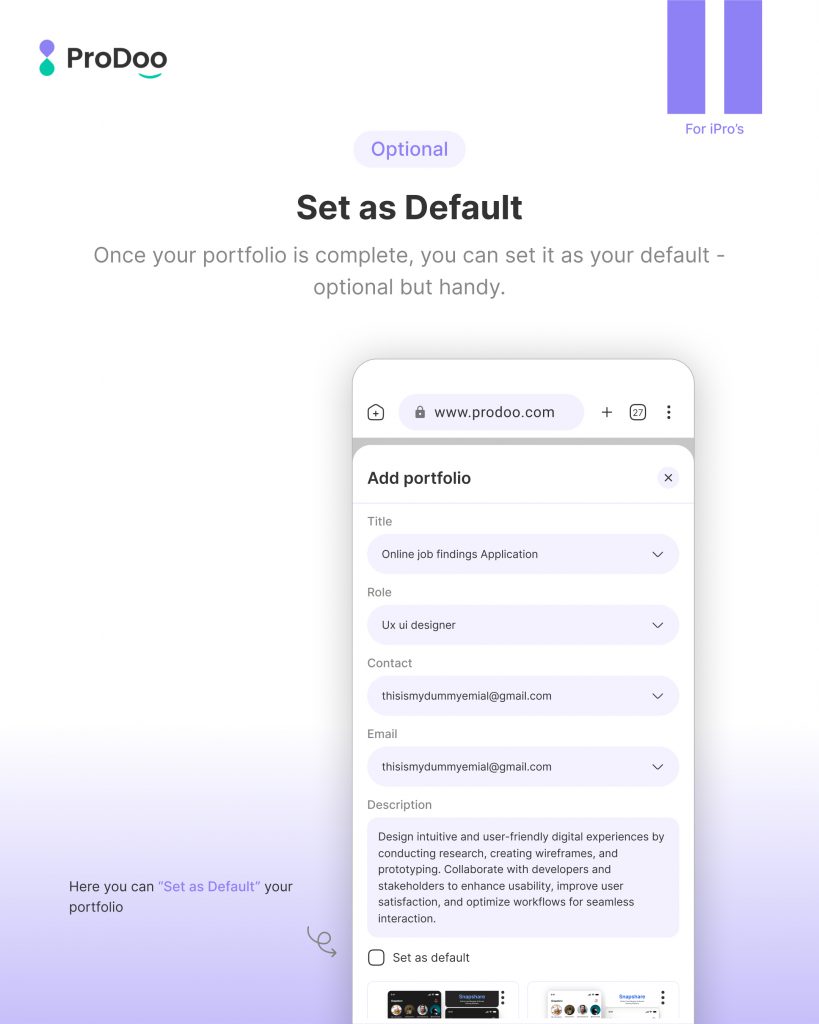
Set as Default
Once your portfolio is ready, you can set it as your default portfolio.
This means:
- It will be shown as your primary work
- Recruiters will see it first
This step is optional but highly recommended for better visibility.
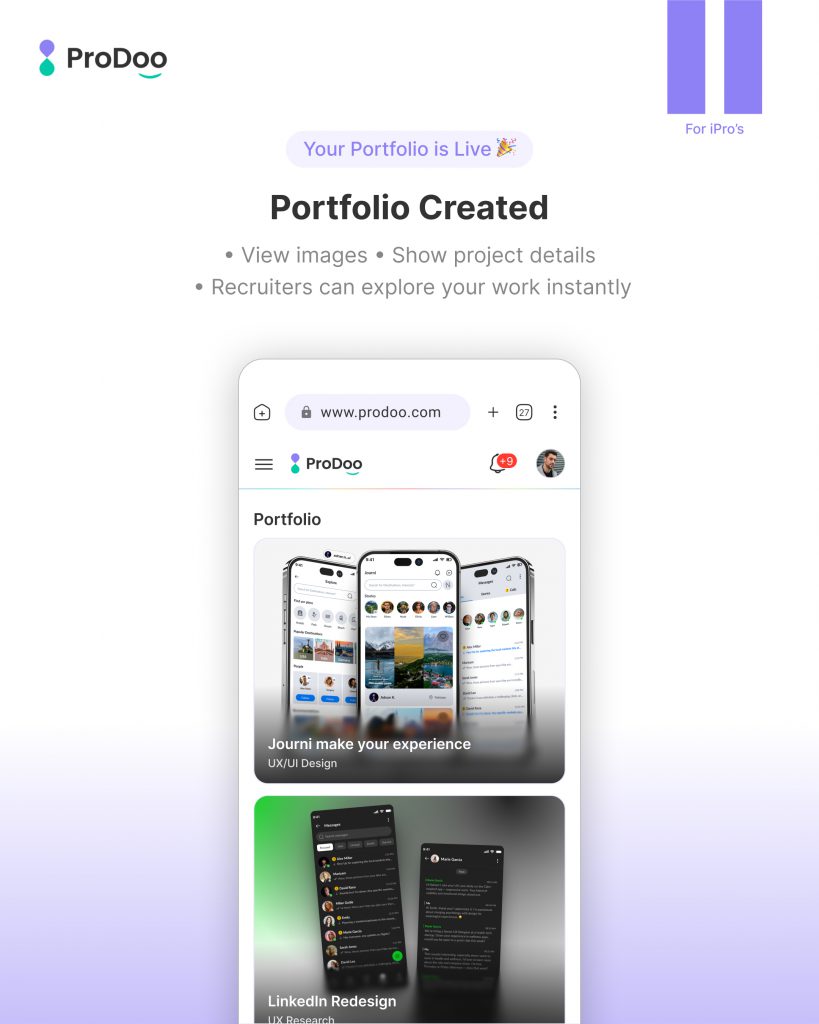
Your Portfolio is Created
That’s it, your portfolio is now live!
Recruiters can:
- View your projects
- Explore your work
- Understand your expertise instantly
A well-structured portfolio increases your chances of getting noticed.
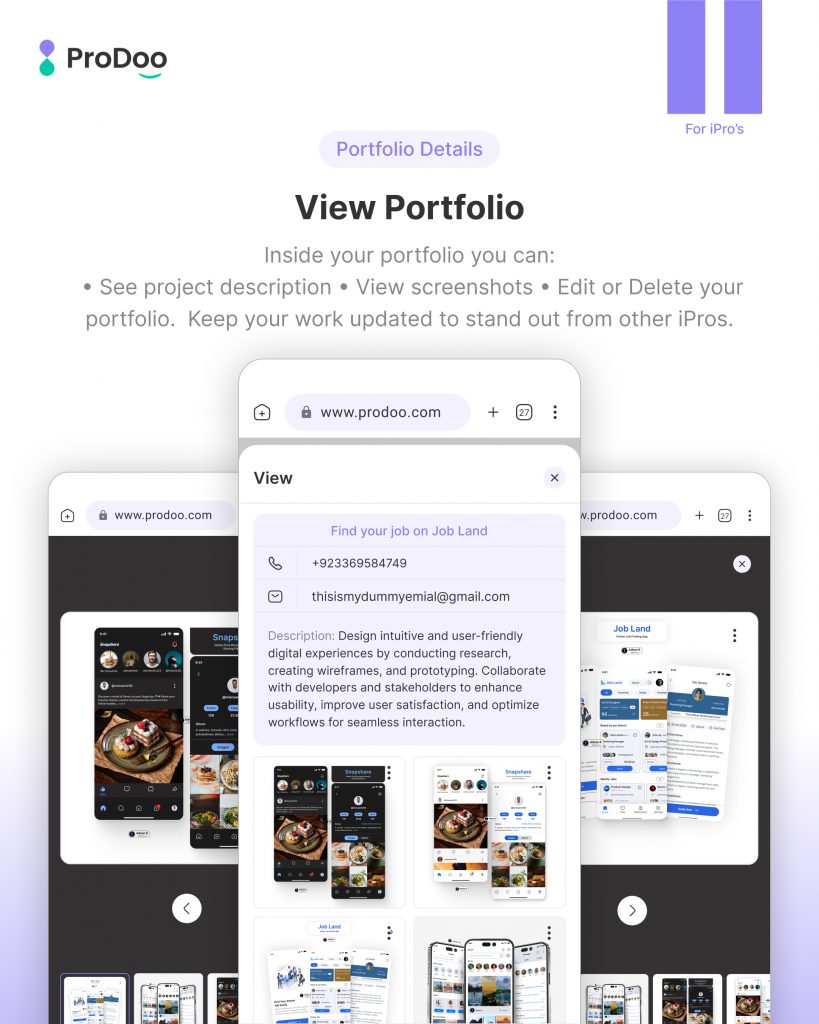
View and Manage Your Portfolio
You can easily view your portfolio anytime.
From here, you can:
- See all your project details
- Update your work
- Edit or delete projects
Keeping your portfolio updated ensures you always stay relevant.
Final Thoughts
Your portfolio is your personal brand.
With Prodoo, you can build, manage, and showcase it effortlessly, all in one place.
Start today and turn your work into opportunities