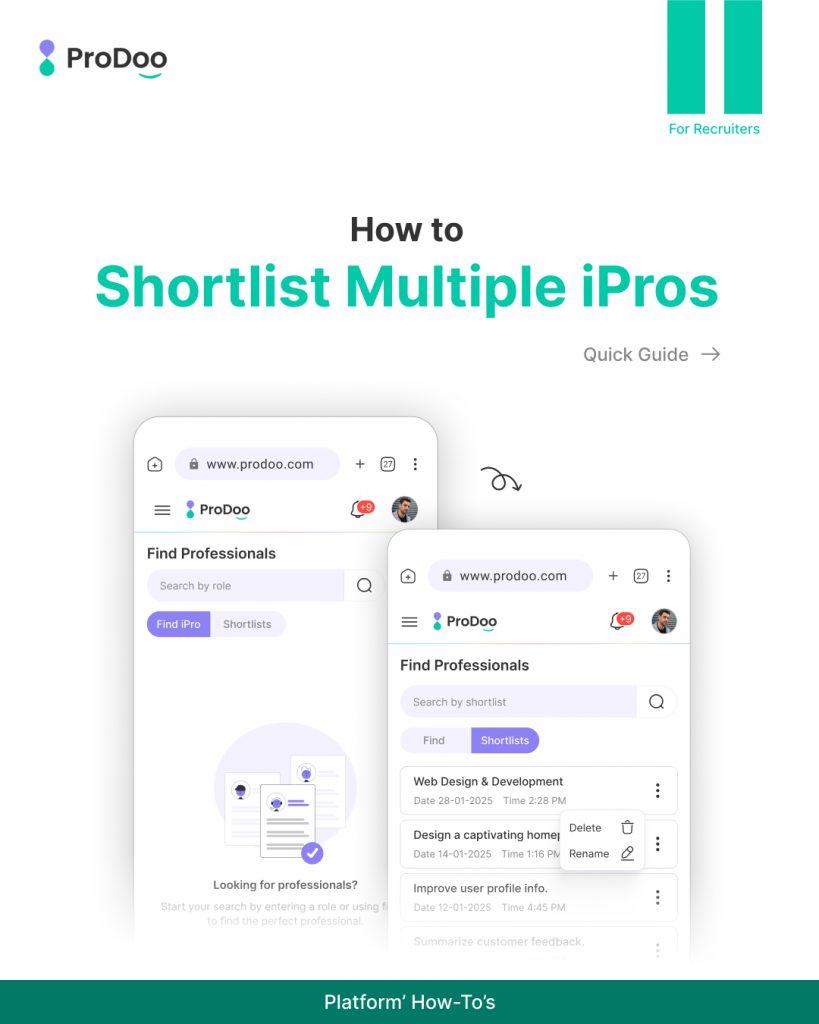
How to Shortlist Multiple iPros on Prodoo (Step-by-Step Guide)
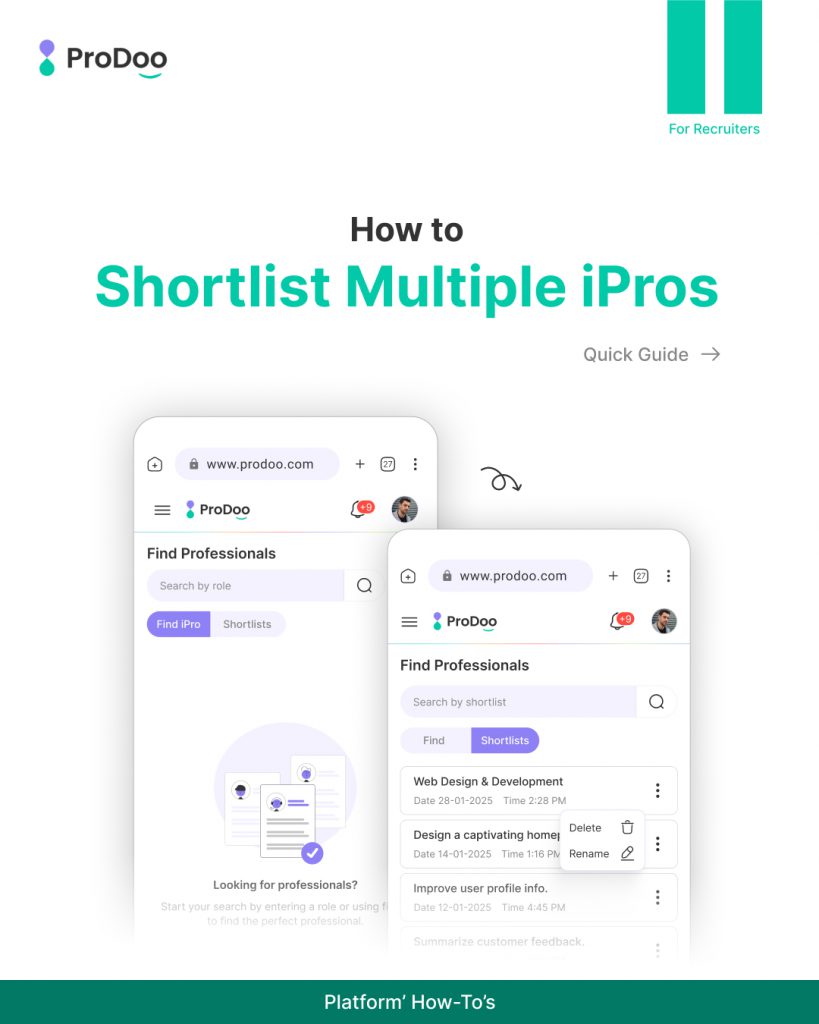
Hiring the right independent professionals (iPros) shouldn’t feel complicated or time-consuming.
At Prodoo, we’ve designed the shortlisting experience to be fast, flexible, and recruiter-friendly, so you can focus on choosing the right talent — not managing messy workflows.This guide walks you through how to shortlist multiple iPros on Prodoo, using the same steps shown in the slides.
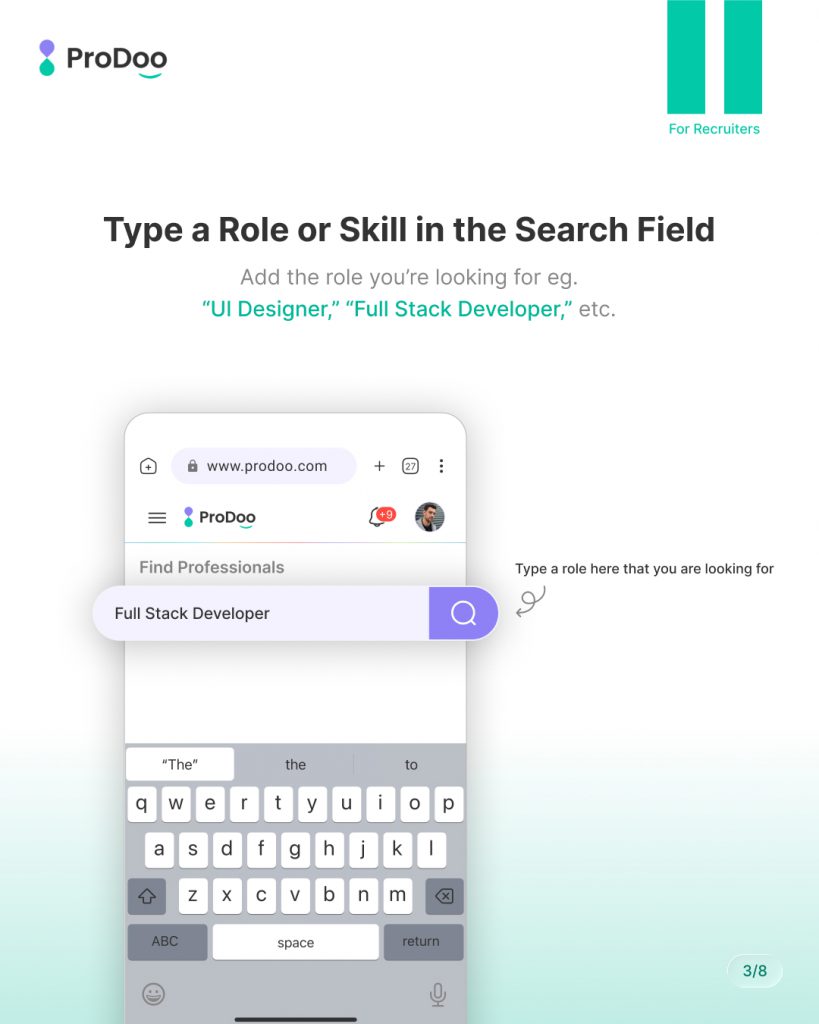
Step 1: When You Visit Prodoo for the First Time
When you land on Prodoo’s recruiter dashboard, the first thing you’ll see is the search field.
This is your starting point.
You don’t need to browse endlessly or apply complex filters upfront.
Simply think about the role or skill you’re hiring for — and start there.
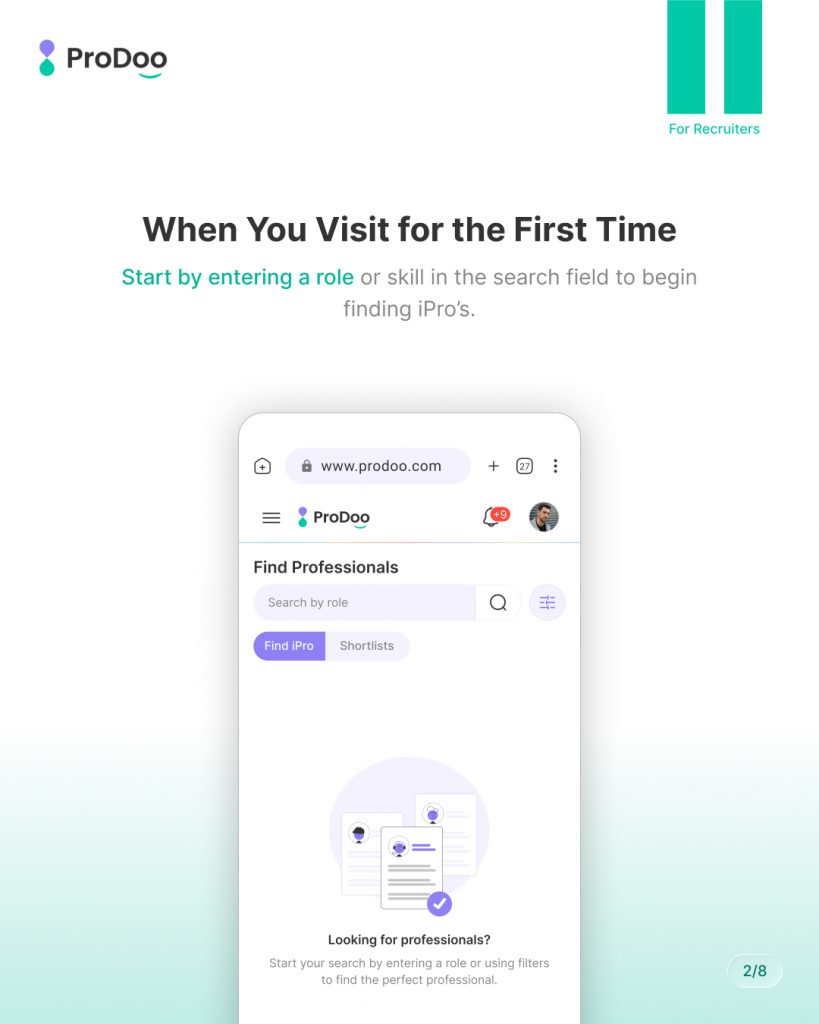
Step 2: Type a Role or Skill in the Search Field
In the search bar, type:
- A job role (e.g., UI/UX Designer)
- A skill (e.g., React Developer)
- Or a technology (Flutter, Kotlin, Node.js)
As you type, Prodoo understands intent and starts preparing relevant results.
This helps you move quickly without overthinking keywords.
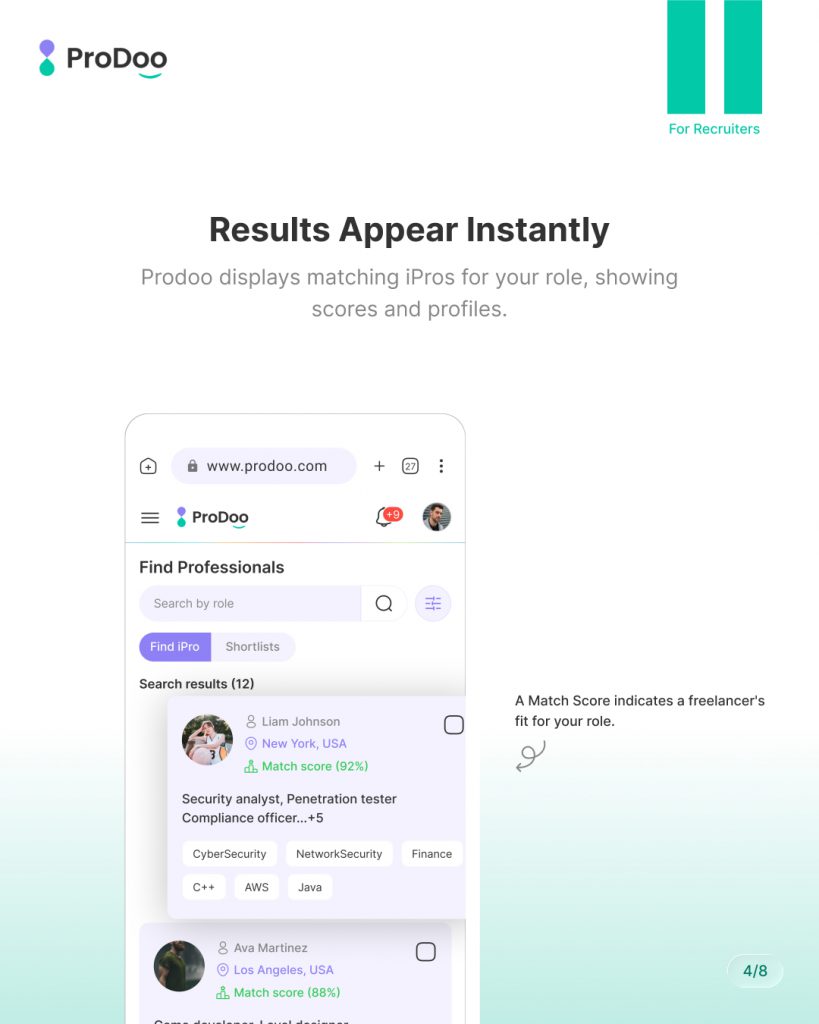
Step 3: Results Appear Instantly
Once you enter your search term, Prodoo displays relevant iPro profiles immediately.
Each profile gives you a quick overview:
- Skills and expertise
- Experience level
- Availability
- Key highlights
This allows you to scan and compare professionals without opening every profile in a new tab.
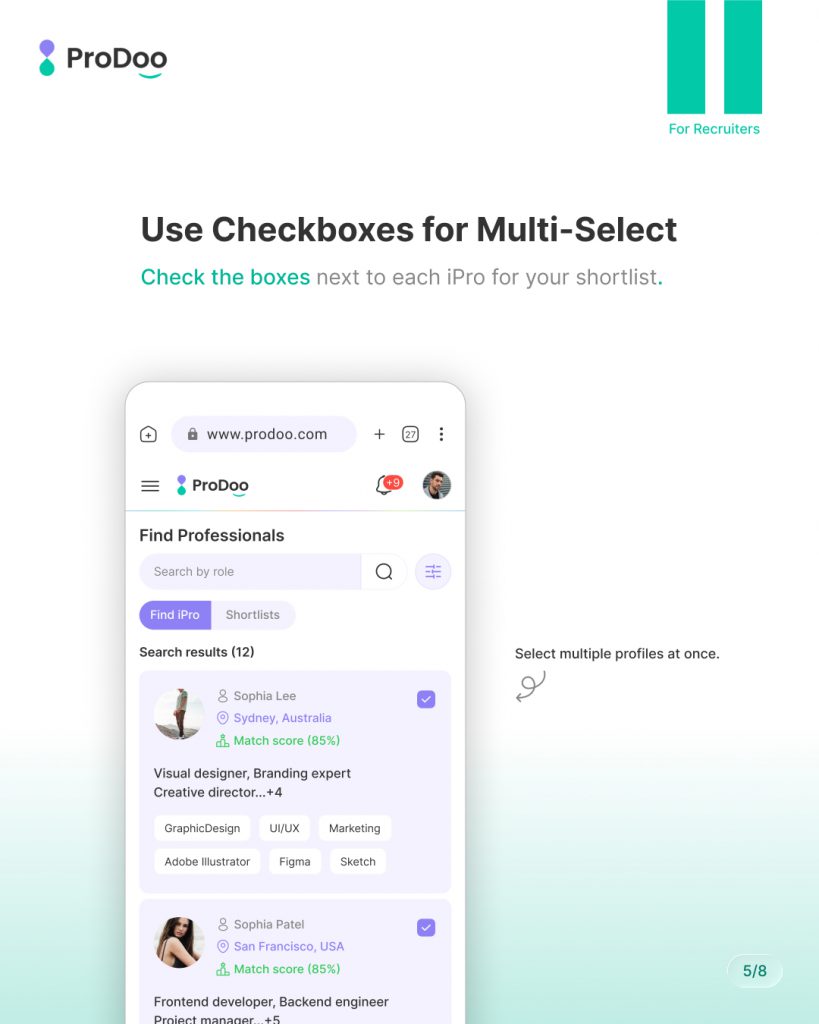
Step 4: Use Checkboxes for Multi-Select
Instead of shortlisting profiles one by one, Prodoo lets you select multiple iPros at once.
Simply use the checkbox next to each profile you like.
This is especially useful when:
- You want to compare candidates later
- You’re hiring for multiple similar roles
- You’re building a long-term talent pool
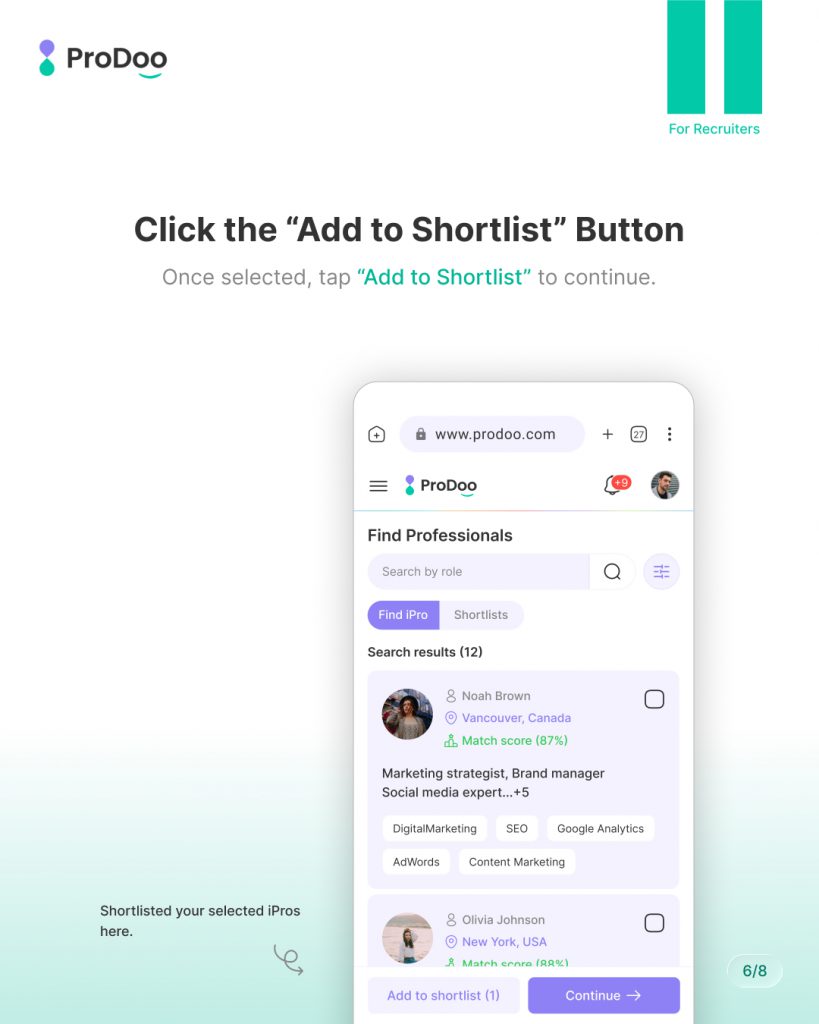
Step 5: Click the “Add to Shortlist” Button
After selecting the profiles, click “Add to Shortlist.”
This action confirms your selection and moves you forward — no interruptions, no extra steps.
You stay in control of the process while Prodoo handles the organization in the background.
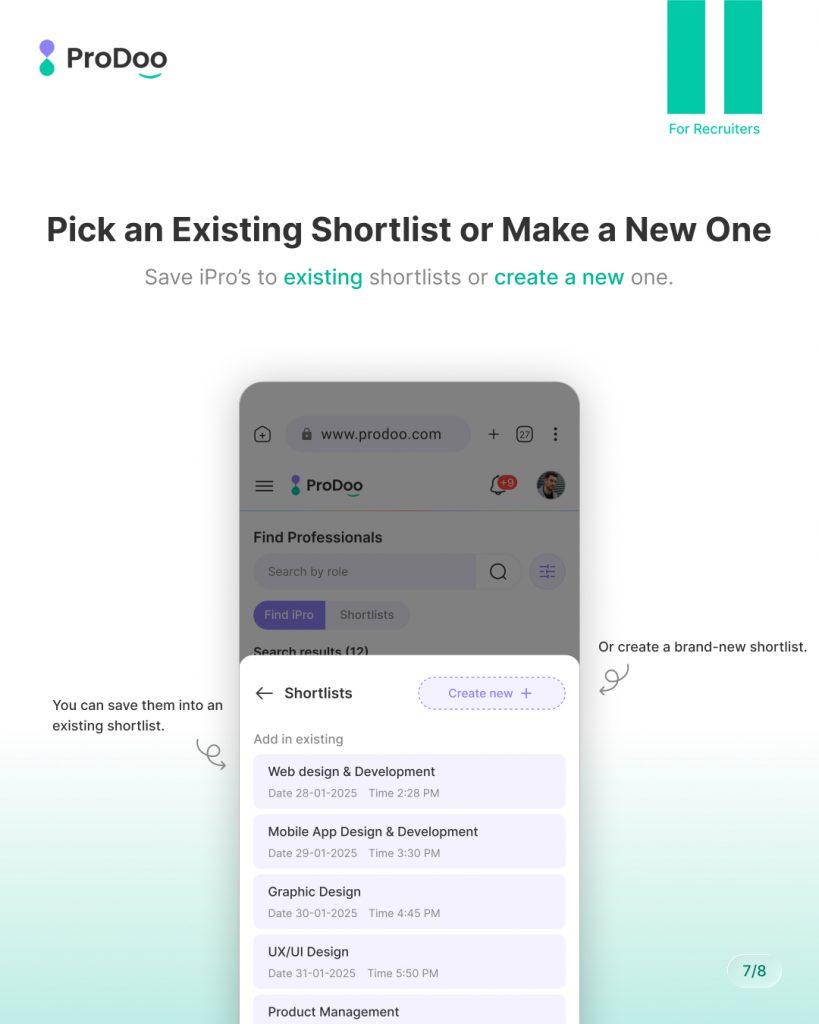
Step 6: Pick an Existing Shortlist or Create a New One
Now you can decide how you want to organize your selected iPros.
You can:
- Add them to an existing shortlist (for an ongoing role)
- Or create a new shortlist for a new project or requirement
This flexibility helps recruiters manage multiple hiring needs without confusion.
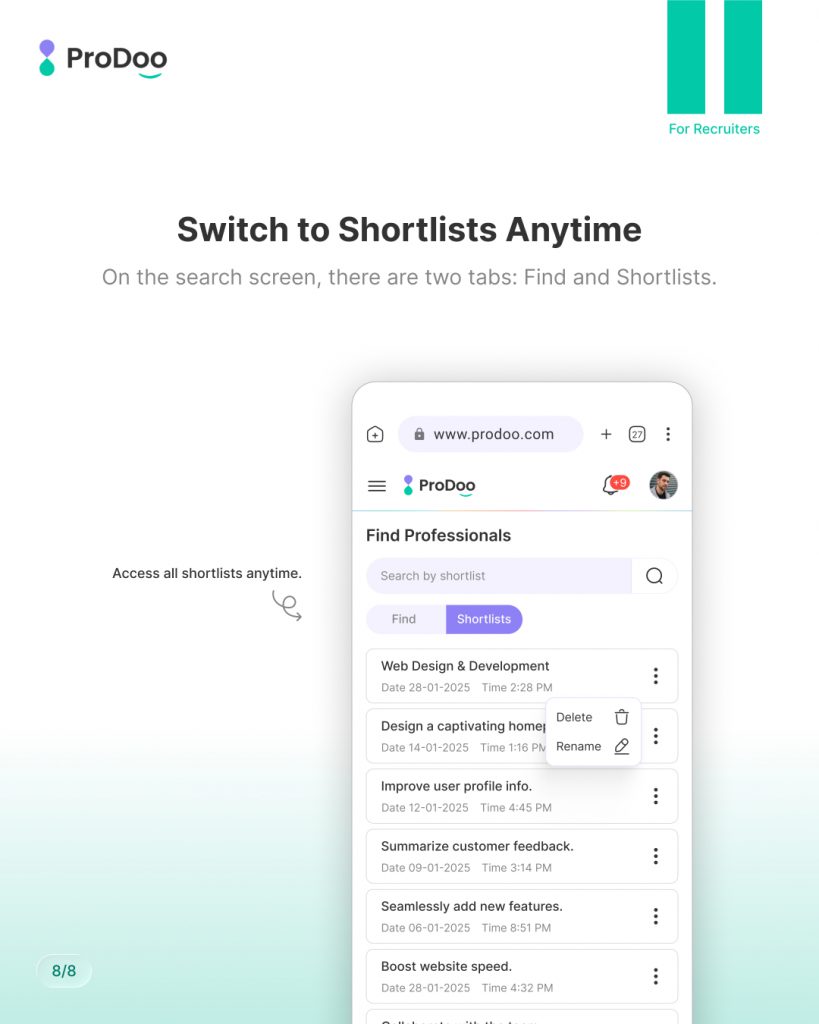
Step 7: Switch to Shortlists Anytime
At any point, you can switch between Search and Shortlists.
This allows you to:
- Review shortlisted iPros
- Compare profiles calmly
- Share shortlists with your team
- Move forward with interviews or contracts
Your shortlists remain accessible, organized, and ready whenever you need them.
Why This Matters for Recruiters
Prodoo’s shortlisting flow is built to:
- Reduce hiring friction
- Save recruiter time
- Support structured decision-making
- Improve the overall hiring experience
Instead of jumping between tools, spreadsheets, and messages, everything stays in one professional workspace.
Final Thoughts
Shortlisting shouldn’t slow you down — it should help you move faster and smarter.
With Prodoo, recruiters can:
- Search easily
- Select multiple iPros
- Organize talent efficiently
- Focus on quality, not chaos
This is how modern hiring should feel.